Get Started: Music
What is included:
- 1 x MIR Media Player
- 1 x Power Supply Unit (PSU) for your region
What you will need:
- A working amplifier/speaker system and a connecting RCA audio cable
- An open/active broadband internet connection and an Ethernet cable
Step 3: Setup Complete
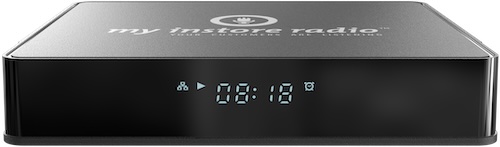
Once the MIR Media Player is correctly connected and up to date, the front display will show the correct local time. Music will begin playing shortly afterward.
Enjoy the music!
Verify MIR Media Player
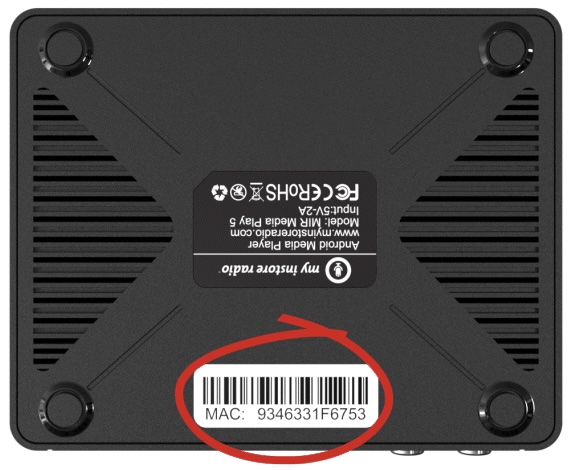
To verify that the MIR Media Player is online and connected, locate the device’s MAC address on the bottom of the unit and visit the verification page.